
Lesson 1 – Image Orientation and Size Overview
Lesson 1: Understanding Image Orientation and Size
1. Introduction to Image Orientation and Size Welcome to the first lesson in our course, “Mastering Product Image Optimization for Your Shopify Store.” In this lesson, we’re going to explore the fundamental aspects of image management – orientation and size. These two concepts are essential in determining how your product images are displayed and perceived on your online store.
2. Understanding Image Orientation Image orientation refers to the way an image is positioned. It can be portrait (taller than it is wide), landscape (wider than it is tall), or square (equal height and width).
- Portrait orientation is typically used for images that are intended to showcase tall, narrow items or to capture a subject in full-length view.
- Landscape orientation, on the other hand, is used when you want to capture wide or panoramic scenes.
- Square orientation is particularly popular in e-commerce and social media as it provides a consistent, uniform look regardless of the platform or device used to view the image.
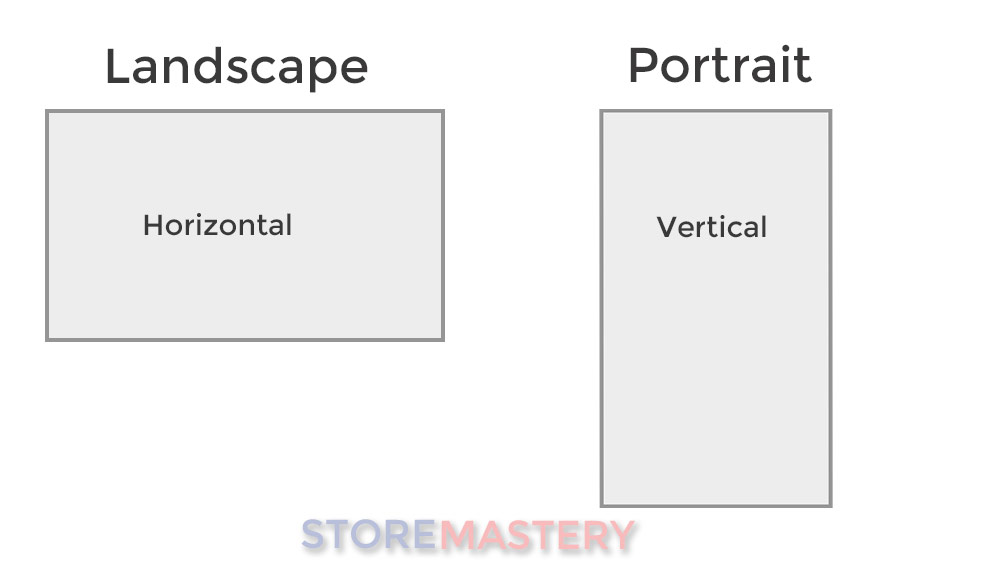
Understanding the original orientation of your product photos is crucial because it directly affects how those images will display on your Shopify store.
3. Understanding Image Size and Resolution: A Deeper Dive
Image size and resolution can really confuse some people because pixels are used as a measurement of dimensions (width x height) and also image quality (resolution)
When talking about image size, we’re discussing the dimensions of an image, typically measured in pixels. Pixels, short for “picture elements,” are the smallest units of a digital image or display. They are the tiny squares of color that, when combined, form the image you see on a screen.
Consider an image as a mosaic composed of a certain number of pixels. The width and height of an image, determined by the count of pixels from left to right and top to bottom, respectively, are its dimensions. For example, if an image is 1000 pixels wide and 500 pixels high, it is expressed as having a size of 1000 x 500 pixels.
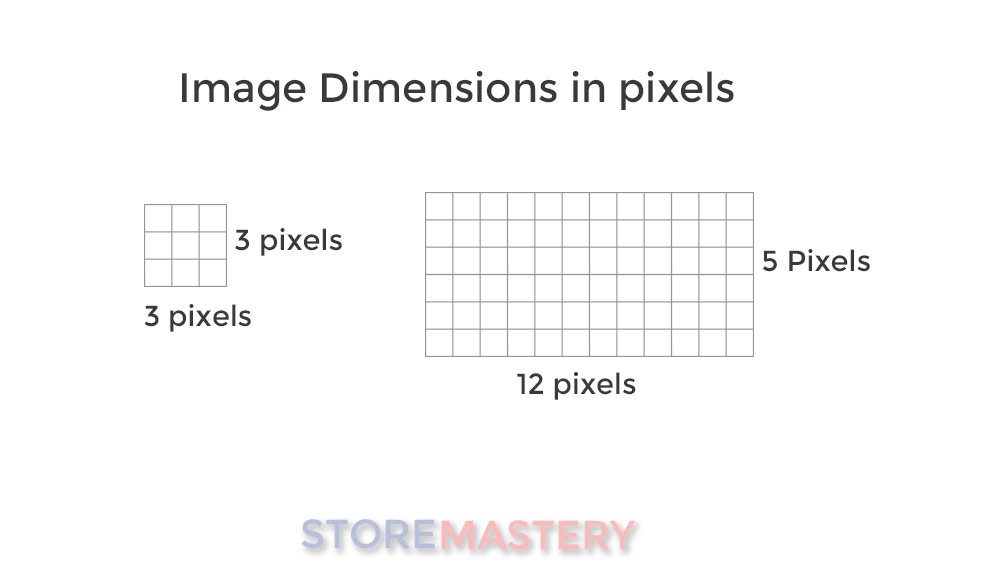
Now when we talk about resolution, it relates to the detail an image holds and is usually described in PPI (Pixels Per Inch). Imagine measuring a one-inch line across our mosaic. The number of pixels that fit into this one-inch line represents the resolution. More pixels within that inch would mean a higher resolution, implying more detail in the image.
If you have an image with a high resolution (more pixels per inch), it’ll be more detailed and look clearer, especially when viewed at a larger size. Conversely, a low-resolution image has fewer pixels per inch, so if you enlarge such an image, it may look blurry or pixelated because there are fewer pixels to spread over a larger area.
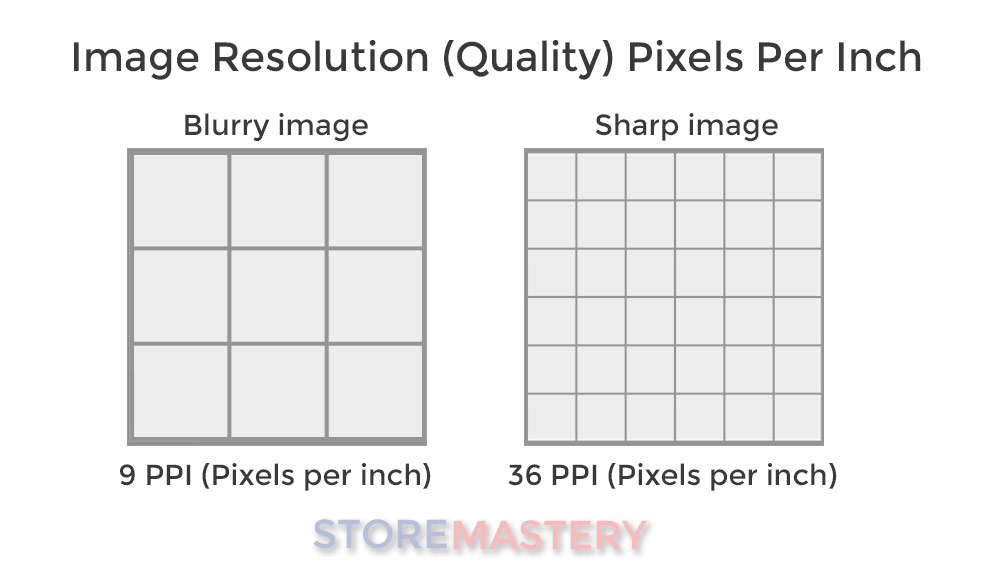
For your online store, having larger product images with higher resolution means they’ll appear clearer to your customers. However, images with very large dimensions and high resolution can slow down your site’s loading speed, impacting user experience and SEO. Therefore, finding a balance between image quality and site performance is crucial – a topic we’ll delve into further in later lessons.
4. Unpacking Aspect Ratios Aspect ratio is the proportional relationship between an image’s width and height. Common aspect ratios include 2:1, 3:4, and 1:1.
- A 2:1 aspect ratio means the image’s width is twice its height.
- A 3:4 aspect ratio means the image’s width is three-fourths its height.
- A 1:1 aspect ratio means the image’s width and height are equal, creating a square.
For Shopify product images, a 1:1 aspect ratio is typically the most ideal. This is because square images provide a clean and consistent look, enhancing the overall visual appeal and user experience on your store.
5. The Importance of Consistency Maintaining consistency in image orientation and size across all your product images is key. Inconsistent image sizes or orientations can disrupt the visual flow of your product listings, potentially confusing or frustrating customers.
Consistent images, on the other hand, create a clean, professional appearance that enhances user experience. They also ensure that customers can easily compare products side by side, improving their ability to make informed purchase decisions.
6. Recap and Key Takeaways In this lesson, we’ve covered the basics of image orientation and size, and why these elements are critical for your online store. We’ve learned that understanding and controlling your image’s orientation, size, and aspect ratio can greatly enhance the aesthetic appeal and usability of your Shopify store.
In the next lessons, we’ll build upon these concepts, exploring practical techniques for cropping, resizing, and optimizing your product images. But for now, take a moment to review and internalize what we’ve learned today – these fundamental concepts will be a guide as we delve deeper into the world of image optimization.
Any Questions: Ask for help in the forums and quote, “Lesson 1 – Image Orientation and Size Overview”